What Happens After Project Launch
Our Approach to Ongoing Support
A staff member leaves and their replacement has never seen the system. An educational content needs updating. A museum kiosk freezes on a busy Saturday.
How a studio handles ongoing support matters as much as how they handle development. Here's what we have started to add to our services for every project going forward.
Staff Training Materials
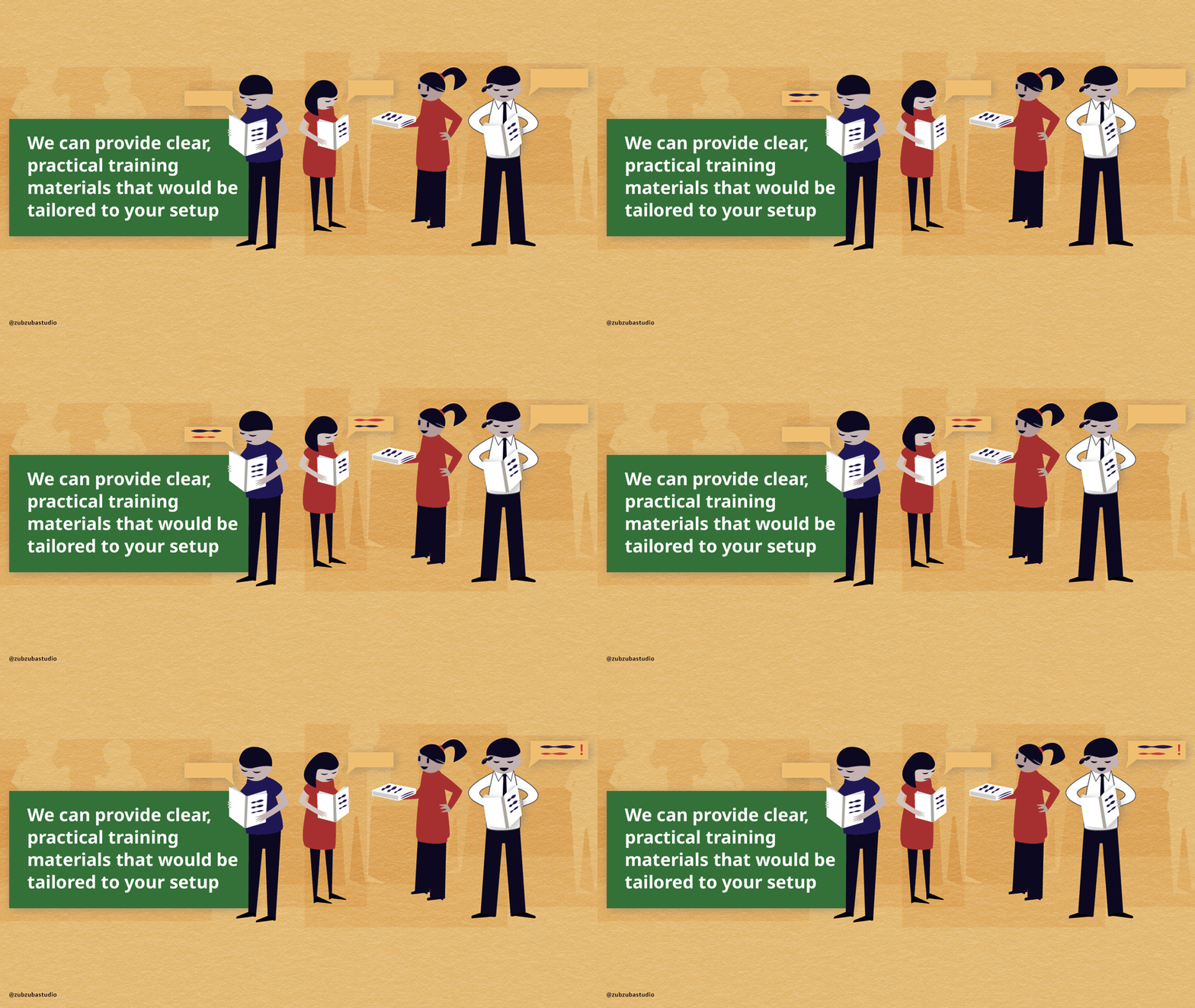
We can provide clear, practical training materials that would be tailored to your setup:
Written guides covering daily operations — how to start up, shut down, and restart the system.
Video tutorials walking through the same processes, for staff who learn better by watching than reading.
Troubleshooting guide covering the most common issues and what to do about them — including how to take a screenshot, what information to include, and exactly who to contact and when.
When new staff come on board, these materials mean they can get up to speed without scheduling a call with us.
Content Updates
Information gets revised. Exhibits change. New languages need to be added. We can accommodate content updates straightforward:
What a content update looks like:
You submit a content update request describing what needs to change — new text, swapped images, added language, revised information.
We review the request, confirm the scope/budget, and implement the update.
You review and approve before it goes live. Most institutions find that yearly updates are sufficient, depending on how often exhibits rotate or information changes.
Urgent corrections (a factual error, a broken link) are handled as soon as possible outside the regular schedule.
The process is designed to be simple on your end. You don't need to understand the technology — just tell us what needs to change.
Maintenance Schedule
We can establish a recurring maintenance schedule so small issues don't become big ones:
Yearly check-ins — we can review and update module or kiosk, and flag anything that needs attention before it becomes a problem.
Performance review— if the project includes analytics, we can review usage data with you and note anything worth adjusting.
Fallback Experience for Museum Kiosks
Technology fails. It's not a matter of if — it's when. A frozen screen or error message in front of visitors is not acceptable, so we plan for it from the start.
Every project includes a mobile fallback module — a lightweight version of the experience accessible via QR code. If a kiosk goes down, visitors still get the content on their own devices.
We also design a printed fallback card or banner that lives next to the installation. It includes:
A QR code linking to the mobile fallback experience
A brief description of the exhibit and what the interactive covers
Your institution's branding, so it feels intentional
The goal is that a visitor who encounters a technical issue never encounters a dead end.
What You'll Receive
To summarize, every project can include these support deliverables:
Staff training materials (as needed, written guide + video tutorial)
Content update request process (simple form-based submission)
Maintenance schedule (as needed)
Support contact sheet (available in your client portal)
Fallback experience (if needed, mobile module via QR code)
Fallback card or banner (printed, branded, ready to place on-site)
Ongoing support, training materials, and fallback experiences should be budgeted for in your project scope and timeline from the start. A project that isn't supported after launch isn't really finished.
Thinking about starting a project?
Here's how to define your scope.